Jira
Connect Atlassian so Jira issues become agent runs. You authorise AgentSDE on your Atlassian site, map a project to a repository, and map the statuses that start and track a run · AgentSDE only ever moves issues through statuses you have mapped.
#Connect Atlassian
Jira uses OAuth (3LO · three-legged OAuth): you approve AgentSDE on your Atlassian site, and Atlassian hands back a token scoped to exactly what you approved · not your password, and nothing broader. AgentSDE also asks for a refresh token so the connection keeps working without you re-approving every time it expires.
Start the connect
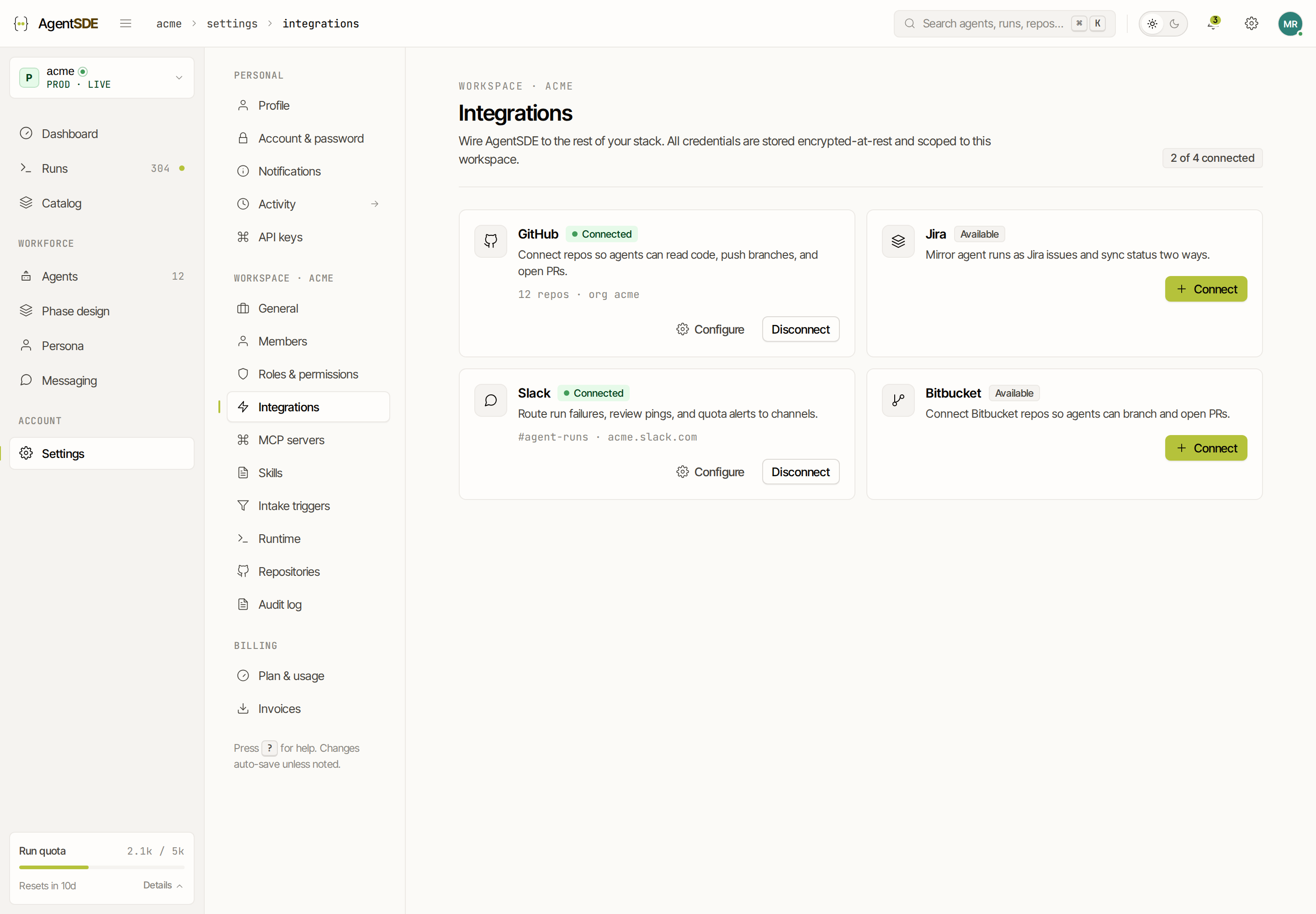
Settings → Integrations → Jira sends you to auth.atlassian.com to consent on your Atlassian site.
Approve the access
Atlassian shows you what AgentSDE is asking for. In plain terms it is: read and update issues, read users (to attribute work), register the webhook AgentSDE listens on, and stay connected in the background. The underlying scopes are read:jira-work, write:jira-work, read:jira-user, manage:jira-webhook and offline_access.
Site resolved, projects synced
On consent AgentSDE resolves your Atlassian site and syncs its projects, ready to map.
#Map a project to a repository
A Jira issue describes work but does not know where the code lives · that link is something you make. Map one Jira project to one repository so AgentSDE knows where an agent should branch and open its pull request when an issue in that project starts a run.
#Map statuses to intake
AgentSDE reads your workflow through the statuses you map, so it fits your board rather than forcing a new one:
- A run starts when an issue reaches your intake status. By default the
in-refinementintake maps to the Jira status In Progress; change it per workspace to match your board. - Alternatively, commenting
/agent starton an issue starts a run regardless of status.
Both are covered in Intake triggers.
#Which transitions agents may make
This is the safety property to understand: AgentSDE only transitions issues through statuses you have mapped · it never invents a transition or moves an issue somewhere you did not configure. If a status is not in your mapping, an agent leaves the issue where it is.